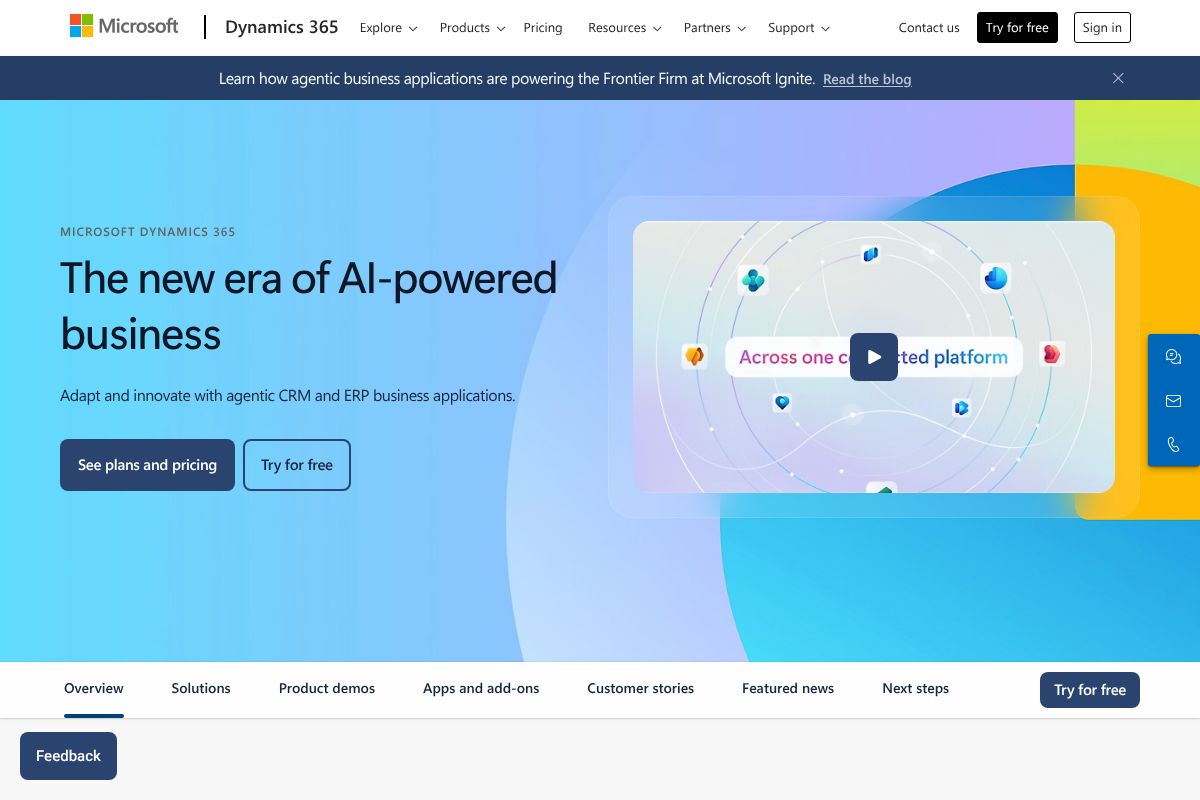
How Microsoft Dynamics 365 Works
Dynamics 365 apps run on Microsoft Dataverse and Azure infrastructure, sharing a common data model so records and processes flow between apps. Each app provides domain-specific entities, process automation, and user experiences while Dataverse and the Power Platform handle data integration, low-code automation, and custom app extensions.
Teams typically deploy one or more Dynamics 365 applications for specific needs, for example deploying Dynamics 365 Sales for opportunity management and Dynamics 365 Finance for accounting. Workflows and automation are built with Power Automate and Power Apps, and AI features or Copilot experiences surface contextual recommendations and agent-driven automation inside the same user interface.
Implementation often follows a staged approach: select the apps you need, integrate Azure Active Directory for authentication, configure Dataverse schemas and business rules, then extend using Power Platform or custom code where necessary. The platform supports hybrid and on-premises scenarios through specific deployment options and connectors to existing systems.

Core Capabilities of Microsoft Dynamics 365
Microsoft Dynamics 365 features
Dynamics 365 groups capabilities across domain apps and platform services, and recent updates emphasize AI agents and Copilot-style automation across CRM and ERP scenarios. Core capabilities include AI-driven recommendations, workflow automation via Power Platform, modular business apps for operations and customer engagement, and enterprise-grade security and compliance.
Key functionality includes:
Copilot and AI agents
Copilot and AI agents provide natural language assistance, task automation, and context-aware suggestions inside Dynamics 365 apps. These agents can draft emails, suggest next-best actions for sales reps, automate routine service tasks, and orchestrate cross-application processes, which reduces manual work and shortens response times.
Sales and Marketing Automation
Sales features include lead and opportunity management, pipeline analytics, and AI-backed forecasting; marketing capabilities cover customer journeys, segmentation, and campaign orchestration. These features help align marketing and sales execution with customer signals and measurable conversion metrics.
Customer Service and Contact Center
Customer Service delivers case management, knowledge bases, and omnichannel routing, while Contact Center capabilities provide voice and chat integrations for high-volume support scenarios. AI-assisted triage and suggested resolutions accelerate issue handling and improve agent productivity.
Field Service
Field Service supports scheduling, resource optimization, work orders, and offline mobile experiences for technicians. Integration with inventory and IoT telemetry enables proactive maintenance and better dispatch decisions for distributed workforces.
Finance and Supply Chain Management
Finance and Supply Chain apps include core accounting, budgeting, project operations, procurement, inventory, and planning capabilities. Built-in analytics and scenario modeling help organizations manage cash flow, margins, and supply disruptions at scale.
Business Central for SMBs
Business Central provides an integrated ERP experience tailored to small and medium businesses, combining finance, operations, sales, and purchasing into a single application with simpler setup and streamlined workflows.
Power Platform and Integrations
Power Platform integration enables low-code apps, automated workflows, and custom connectors to third-party systems. Dataverse standardizes data across apps to simplify reporting, integration, and citizen development within organizations.
Security and Compliance
Dynamics 365 leverages Azure security services, role-based access control, and compliance certifications to meet enterprise governance needs. Features include data loss prevention, encryption, audit trails, and conditional access to protect sensitive business data.
With these capabilities, Dynamics 365 provides a single foundation for customer engagement and back-office operations, with the biggest benefit being the ease of combining CRM and ERP processes and extending them through Power Platform and Azure services.
Microsoft Dynamics 365 Pricing
Dynamics 365 Business Central Pricing Overview
Microsoft Dynamics 365 Business Central offers a range of pricing options to suit different business needs. Below is a structured overview of the available plans.
Pricing Plans
-
Essential Plan:
This plan includes core functionalities for financial management, project management, and supply chain management.
Price: $70 per user/month
-
Premium Plan:
This plan includes all features of the Essential Plan plus additional capabilities for service management and manufacturing.
Price: $100 per user/month
Free Trial
Microsoft Dynamics 365 Business Central offers a free trial for users to explore the software before making a purchase. You can sign up for the trial here.
Enterprise/Custom Pricing
For larger organizations or those with specific needs, custom pricing options are available. Interested users should contact a Microsoft partner for a personalized assessment and consultation.
Contact Information
To learn more about pricing or to get assistance, please visit the pricing page or reach out to a Microsoft partner.
This pricing was last checked by our team on February 1, 2026
What is Microsoft Dynamics 365 Used For?
Dynamics 365 is used to manage customer relationships, automate sales and marketing processes, provide consistent customer service, and run back-office ERP functions such as finance, procurement, and supply chain. Organizations use specific apps to address defined problems, for example deploying Customer Service to centralize support or Finance to consolidate accounting across entities.
The suite is also used to build integrated business processes that span teams, such as order-to-cash and service-to-revenue workflows, combining CRM interactions with transactional ERP activities. Companies that want low-code extensibility, automated business logic, and integration with Microsoft 365 and Azure find Dynamics 365 useful for digital transformation projects.
Microsoft Dynamics 365's Key Strengths and Trade-offs
Key Strengths
Integrated Ecosystem
Dynamics 365 seamlessly integrates with other Microsoft products, enhancing collaboration.
Customizability
The platform allows for extensive customization through Power Platform and low-code solutions.
AI Features
Built-in AI capabilities provide contextual recommendations and automation.
Scalability
Dynamics 365 can scale with business growth, accommodating various applications and user needs.
Trade-offs
Complex Pricing Structure
Pricing can be complicated due to multiple applications and licensing options.
Steep Learning Curve
Users may face challenges due to the platform's complexity and extensive features.
Dependency on Microsoft Ecosystem
Optimal performance often requires integration with other Microsoft services.
Implementation Time
Deployment can be time-consuming, requiring careful planning and configuration.
Frequently asked questions about Microsoft Dynamics 365
What is Microsoft Dynamics 365 used for?
Microsoft Dynamics 365 is used to manage customer relationships and business operations across sales, service, finance, and supply chain. Organizations use individual Dynamics apps to handle domain-specific processes and combine them for end-to-end workflows.
Does Microsoft Dynamics 365 integrate with Microsoft 365?
Yes, Dynamics 365 integrates natively with Microsoft 365 apps. That includes Outlook, Teams, SharePoint, and other Microsoft collaboration tools for embedded productivity and contextual experiences.
Can Microsoft Dynamics 365 be extended with low-code tools?
Yes, Dynamics 365 is designed to be extended using Power Platform low-code tools. Power Apps, Power Automate, and Power BI let teams build custom apps, automate processes, and create reports without heavy custom development.
How is Microsoft Dynamics 365 licensed?
Microsoft Dynamics 365 uses subscription licensing with app-level and bundled options. Licensing varies by application and user type, and organizations should consult the Dynamics 365 licensing and pricing resources for plan details.
Is Microsoft Dynamics 365 suitable for small businesses?
Yes, Microsoft Dynamics 365 includes Business Central which targets small and medium businesses. Business Central offers an integrated ERP experience with simpler setup compared with enterprise-grade Dynamics applications.
Final verdict: Microsoft Dynamics 365
Microsoft Dynamics 365 offers a comprehensive set of CRM and ERP applications that are strongest when used together and when integrated with Microsoft 365, Power Platform, and Azure. Its growing set of AI agent capabilities and Copilot experiences make it a forward-looking choice for organizations that want to combine customer engagement with operational systems and low-code extensibility.
Compared with Salesforce, Dynamics 365 typically appeals to organizations already invested in Microsoft infrastructure because of integration benefits and unified identity and productivity tooling. While Salesforce has a deep ecosystem focused on CRM, Dynamics 365 provides broader ERP coverage and tighter ties to Microsoft services, which can simplify architecture and reduce integration overhead for Microsoft-centric companies.
If your organization needs combined CRM and ERP capabilities, is comfortable with Microsoft cloud services, and values low-code extension and enterprise compliance, Microsoft Dynamics 365 is a strong candidate. For teams focused only on pure CRM use cases or preferring a vendor-neutral stack, evaluating competitors such as Salesforce or cloud-native ERP alternatives is recommended.