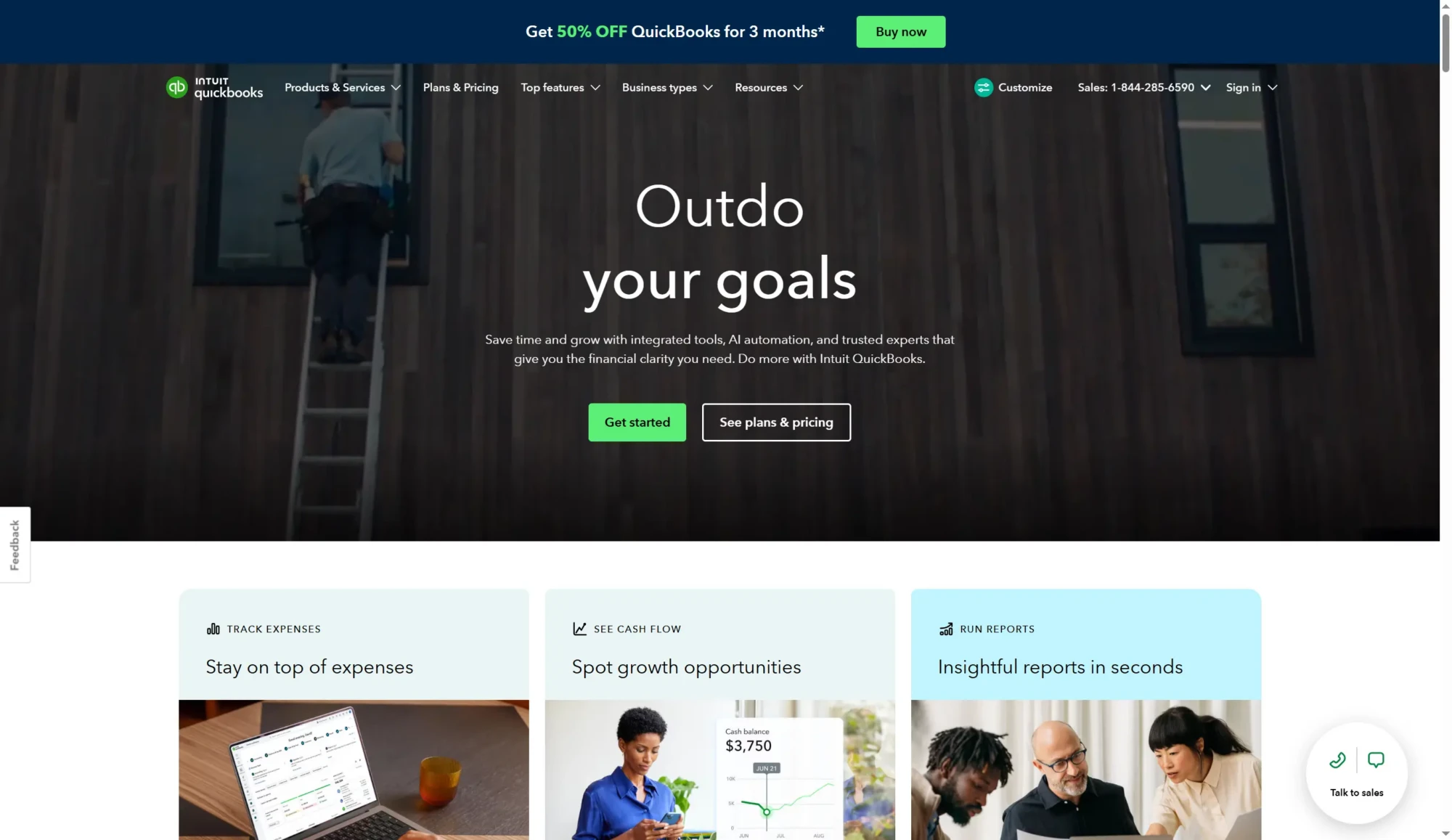
How QuickBooks Works
QuickBooks connects to business bank and credit card accounts to automatically import transactions, match receipts captured with the mobile app, and categorize expenses for bookkeeping and tax readiness. Users create invoices, accept online payments, and set up recurring billing; payments flow back into bookkeeping records and update cash flow reports.
Teams use QuickBooks by assigning roles for business owners, employees, and accountants, granting access to specific modules like payroll, bills, or time tracking. Common workflows include sending an invoice from the Sales module, syncing payments into the accounting ledger, and running payroll from the Payroll module while the system updates tax liabilities and required filings.

Core Capabilities of QuickBooks
QuickBooks features
QuickBooks groups accounting, payroll, payments, time tracking, and business insights into a unified platform, with recent additions that expand AI-assisted bookkeeping and agent features to speed reconciliation and lead management. Core capabilities include automated transaction categorization, invoicing with payment acceptance, payroll and tax handling, project and time tracking, and an extensive app marketplace for industry-specific integrations.
Automated bookkeeping
Automatic bank and card feeds import transactions and the system proposes categorizations, reducing the manual entry needed each month. This speeds reconciliation and keeps accounts tax-ready, while rules can be set to handle repetitive transactions consistently.
Invoicing and payments
Create and send professional invoices, accept credit card and ACH payments online, and automate reminders to customers for faster collections. Payment activity is recorded automatically in the accounting ledger to maintain accurate cash flow reporting.
Expense tracking and receipts
Snap receipts with the mobile app, attach them to transactions, and let QuickBooks match receipts to bank entries for easy expense tracking. The system helps maintain audit-ready records and simplifies tax preparation by organizing deductible expenses.
Payroll and tax management
Run payroll, pay employees by direct deposit, and handle payroll tax calculations and filings within the platform or via integrated payroll services. The payroll module synchronizes with employee time entries and accounting to keep payroll costs and liabilities up to date.
Time, projects, and job costing
Track employee hours, assign time to projects, and monitor project profitability with integrated job costing tools. These features help service businesses estimate margins, bill accurately, and see project-level financial health.
Reporting and cash flow forecasting
Generate standard financial statements, custom reports, and short-term cash flow forecasts to spot opportunities and risks. Dashboards can be tailored to highlight the metrics most important to a business, such as sales, expenses, or receivables aging.
AI agents and automation
AI-powered agents assist with categorizing transactions, drafting invoices from notes, finding leads, and proposing payment reminders to accelerate collections. These automation features reduce repetitive work and surface items that need a human decision.
Integrations and app marketplace
Connect to a wide range of apps for e-commerce, payroll, point of sale, CRM, and payments through the QuickBooks apps ecosystem. Prebuilt integrations streamline syncing sales channels, payment processors, and time-tracking tools with your accounting records.
With these capabilities, QuickBooks provides a single place to run bookkeeping, payments, payroll, and reporting for growing small businesses while offering modular add-ons to tailor functionality for specific industries.
QuickBooks Pricing
Pricing Overview
QuickBooks offers a variety of pricing plans tailored to meet the needs of different businesses. Each plan includes essential features to help manage finances efficiently. Below is a detailed breakdown of the available pricing tiers.
Pricing Plans
-
Simple Start
Build your financial foundation
Price: $38/month (currently $19/month for the first 3 months)
Users: 1 user
Includes:
- Access for your accountant
- Intuit Assist for automated bookkeeping
- Invoicing and payments
- Automated bank feeds
- Onboarding and migration assistance
- Automated bill pay
-
Essentials
Save time and focus on growth
Price: $75/month (currently $37.50/month for the first 3 months)
Users: 3 users
Includes all Simple Start features, plus:
- Accounting Agent for quick transaction posting
- Payments Agent for tailored payment strategies
- Multiple currencies support
-
Plus
Scale with greater clarity
Price: $115/month (currently $57.50/month for the first 3 months)
Users: 5 users
Includes all Essentials features, plus:
- AI-powered reconciliation
- Customer Agent for lead management
- Sales Tax Agent BETA for tax compliance
-
Advanced
Boost efficiency and profitability
Price: $275/month (currently $137.50/month for the first 3 months)
Users: 25 users
Includes all Plus features, plus:
- Advanced AI-powered insights
- Anomaly detection and resolution
- Budgeting tools for real-time collaboration
Free Trial
All plans come with a 30-day free trial. This allows you to explore the features and functionalities of QuickBooks without any commitment.
Enterprise/Custom Pricing
For larger businesses or those with specific needs, QuickBooks offers custom pricing options. Interested users can contact the sales team for more information and to discuss tailored solutions.
This pricing was last checked by our team on February 1, 2026
What is QuickBooks Used For?
QuickBooks is commonly used for day-to-day accounting tasks such as recording income and expenses, sending invoices, and reconciling bank accounts. Small business owners use it to maintain organized records that simplify tax preparation and financial reporting.
Beyond bookkeeping, QuickBooks is used to run payroll, manage bills, track time and projects, and accept customer payments. It is also used by accountants and bookkeepers to collaborate with clients, review reconciliations, and prepare financial statements.
QuickBooks's Highlights and Shortcomings
Highlights
Automated Bookkeeping
QuickBooks automates transaction matching and categorization, improving efficiency.
Intuit Assist
AI-powered features help automate tasks and enhance user experience.
Multiple User Access
Allows different roles for business owners, employees, and accountants.
Recurring Billing
Users can set up recurring invoices and payments for convenience.
Shortcomings
Pricing Structure
Costs can escalate quickly with additional features and user access.
Learning Curve
Some users may find the interface complex and require time to learn.
Limited Customization
Customization options for reports and invoices may be limited compared to competitors.
Customer Support
Support options may not always meet user expectations.
Frequently asked questions about QuickBooks
What is QuickBooks best used for?
QuickBooks is best used for small and growing business accounting and financial management. It centralizes bookkeeping, invoicing, payroll, and reporting so business owners can manage financial operations in one place.
Does QuickBooks integrate with other business tools?
Yes, QuickBooks integrates with many payment processors, e-commerce platforms, and productivity apps. You can connect services through the QuickBooks App Store or build custom connections using the QuickBooks Developer API documentation.
How does QuickBooks handle payroll?
QuickBooks offers an integrated payroll add-on to run employee pay, calculate taxes, and file required payroll forms. Payroll can sync with time tracking and accounting records to keep payroll liabilities and expenses accurate.
Can accountants collaborate with clients in QuickBooks?
Yes, QuickBooks provides accountant access and workflows for bookkeepers and CPAs. Accountants can be invited to connect to client files, review reconciliations, and prepare financial reports within the platform.
Is QuickBooks suitable for freelance sole proprietors?
QuickBooks works well for freelancers through its Self-Employed and entry-level plans. These plans focus on separating business and personal expenses, mileage tracking, invoicing, and basic tax estimates.
Final Verdict: QuickBooks
QuickBooks is a full-featured accounting platform that covers bookkeeping, invoicing, payroll, payments, and reporting in a single cloud-based system. Its strength lies in automation of routine accounting tasks, the breadth of its integrations, and the availability of accountant-friendly workflows and expert services, which make it a practical choice for growing small businesses that want an end-to-end financial management solution.
Compared with Xero, QuickBooks usually offers deeper bookkeeping automation and integrated payroll options, while Xero is often preferred for multi-currency workflows and a simpler UI for some small businesses; pricing and plan structure differ regionally, so compare feature sets and check the current pricing options when choosing between them. For businesses that need comprehensive accounting plus payroll and payment processing in one place, QuickBooks remains a leading and widely supported option.