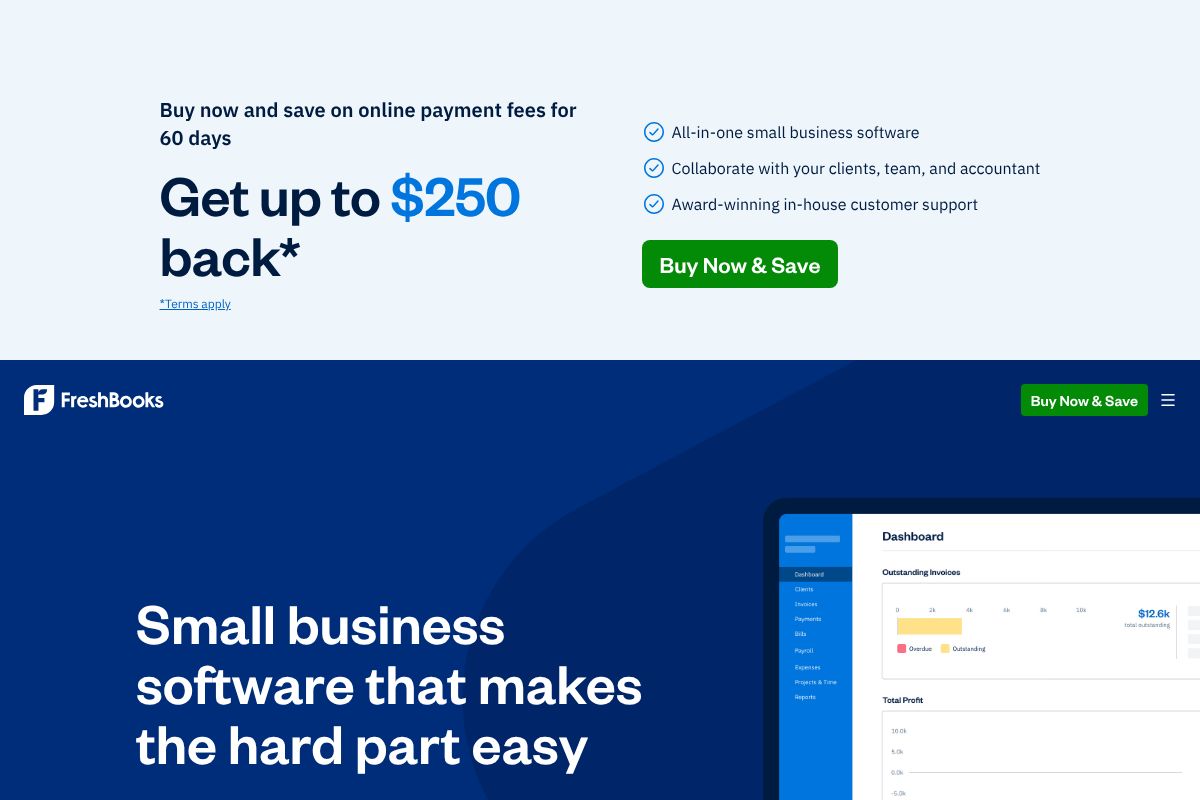
How FreshBooks Works
FreshBooks organizes work around clients, projects, and invoices. You create a client record, track time and expenses against projects, then convert tracked hours and costs into an invoice that invoices can be emailed to clients or paid online with integrated payment processors. The mobile apps let users capture receipts and log mileage on the go so entries sync back to the main account.
In practice small teams use FreshBooks by creating templates for common invoices, enabling automatic payment reminders, and connecting their bank accounts to import transactions for expense categorization. Accountants can be invited as collaborators to review reports and export data for tax filing; integrations and the App Store let teams add payment providers and automation via tools like Zapier or payment services.

Core Capabilities of FreshBooks
FreshBooks features
FreshBooks groups core functionality around invoicing, payments, expense capture, and lightweight accounting. The platform also includes time tracking, proposals, payroll add-ons, and an App Store to connect third-party tools. Core capabilities are focused on making billing and client management quick and auditable for small operations.
Invoicing
Create and send professional invoices using templates, add tracked time and expenses directly to invoices, and customize tax and payment terms. Invoices can include automatic late payment reminders and recurring billing for subscriptions or retainer clients. The feature saves time by turning billable activities into bill-ready documents without manual assembly.
Billing and Payments
FreshBooks supports secure online payments and built-in reminders so clients can pay invoices directly and you can reduce manual follow-up. The platform integrates with payment processors to accept credit cards and ACH where available, and it records payment statuses for cash flow visibility. This capability helps small businesses reduce days sales outstanding and simplify reconciliation.
Expenses and Receipt Capture
Use mobile receipt scanning or bank imports to capture expenses and automatically categorize them for bookkeeping and tax preparation. Receipts attach to transactions for audit trails and expense reports, and expense data flows into profit and loss reporting. This reduces manual data entry and centralizes spend management.
Time Tracking and Billing
Built-in timers let freelancers and teams track hours by project and member, then convert tracked time into invoices or proposals. Time entries can be edited, categorized, and reported to measure profitability by client or project. This is especially useful for service businesses charging by the hour.
Accounting and Reporting
FreshBooks provides essential accounting reports including profit and loss, balance sheet, and tax summaries to help with bookkeeping and tax prep. Basic reconciliation tools and bank connections simplify matching transactions, while export options let you share data with an accountant. Reports are designed to be readable for non-accountants while still providing the figures needed for financial oversight.
Payroll
FreshBooks offers payroll as an integrated add-on in supported regions, enabling pay runs, tax calculations, and automated filings where available. Payroll syncs with employee records and expense categories so payroll costs appear correctly in reports. This reduces the need for a separate payroll provider for small teams.
Proposals and Estimates
Create branded proposals and estimates that clients can approve online; approved estimates convert into invoices or projects. Proposals include line items, terms, and electronic acceptance which helps speed the sales-to-bill cycle. This keeps the sales and billing trail in one place.
Mobile Apps and Accessibility
FreshBooks provides mobile apps for iOS and Android to create invoices, capture receipts, and track time from a phone or tablet. Mobile functionality ensures remote work and on-site billing are supported, with data syncing back to the web application. This is handy for contractors who need to bill clients immediately after job completion.
App Integrations
The FreshBooks App Store catalog connects the product to payment providers, CRMs, productivity tools, and automation platforms like Zapier and HubSpot. These integrations let teams automate workflows such as syncing clients from a CRM or routing paid invoice data into an accounting export pipeline. App integrations expand FreshBooks beyond its core billing and bookkeeping features.
With these features you get a complete invoicing-to-payment workflow: create invoices from tracked time and expenses, accept payments online, and run essential reports for bookkeeping. The platform's strongest benefit is the simplicity of turning client work into accurate invoices while keeping receipts, time, and payments tied together.
FreshBooks Pricing
Pricing Overview
FreshBooks offers a variety of pricing plans tailored to meet the needs of freelancers, self-employed individuals, and businesses. Below is a detailed breakdown of the available plans.
Pricing Plans
-
Lite
Price: $23.00 USD/mo
Features:
- Send invoices to 5 clients
- Track expenses in real time
- Create and send estimates
- Get paid with credit and debit cards, ACH bank transfer, Apple Pay, Google Pay, and Buy Now, Pay Later
- Generate tax-time reports
For extra value, add:
- Team Members: $11/mo per user
- Advanced Payments: $20/mo
- FreshBooks Payroll: $40/mo plus $6/mo per user
-
Plus ⭐ Most Popular
Price: $43.00 USD/mo
Features:
- Send invoices to 50 clients
- Track expenses in real time
- Create estimates, proposals, and client retainers
- Get paid with credit and debit cards, ACH bank transfer, Apple Pay, Google Pay, and Buy Now, Pay Later
- Generate tax-time reports
- Run financial and accounting reports
- Expense receipt scanning
- Give your accountant access
For extra value, add:
- Team Members: $11/mo per user
- Advanced Payments: $20/mo
- FreshBooks Payroll: $40/mo plus $6/mo per user
-
Premium
Price: $70.00 USD/mo
Features:
- Send invoices to unlimited clients
- Track expenses in real time
- Create estimates, proposals, and client retainers
- Get paid with credit and debit cards, ACH bank transfer, Apple Pay, Google Pay, and Buy Now, Pay Later
- Generate tax-time reports
- Run financial and accounting reports
- Bill receipt scanning with the ability to add line items
- Give your accountant access
- Check project profitability
- Customize your email templates
For extra value, add:
- Team Members: $11/mo per user
- Advanced Payments: $20/mo
- FreshBooks Payroll: $40/mo plus $6/mo per user
-
Select
Price: Let's Talk
Features:
- Send invoices to unlimited clients
- Track expenses in real time
- Create estimates, proposals, and client retainers
- Access lower credit card transaction fees and capped bank transfer (ACH) fees
- Generate tax-time reports
- Run financial and accounting reports
- Bill receipt scanning with automatic capture of multi-line items
- Give your accountant access
- Check project profitability
- Customize email templates and remove FreshBooks branding
- Import your data via Easy Switch
- Gain access to dedicated phone support
- Add 2 Team Member accounts for no extra charge
For extra value, add:
- Team Members: $11/mo per user
- Advanced Payments: Included!
- FreshBooks Payroll: $40/mo plus $6/mo per user
Free Trial
FreshBooks offers a 30-day free trial for all plans. You can explore the features without any commitment.
Enterprise/Custom Pricing
For businesses with unique needs, FreshBooks provides custom pricing options. Please contact their sales team for more information.
This pricing was last checked by our team on February 1, 2026
What is FreshBooks Used For?
FreshBooks is commonly used for client invoicing, time tracking, and simple bookkeeping tasks in service-based businesses. Freelancers and consultants use it to bill hours quickly, attach receipts to expenses, and monitor client payment status without complex accounting setups.
Small agencies and teams use FreshBooks to manage project budgets, create proposals, and centralize client communication around invoices and payment status. It is also used by businesses that want integrated payment acceptance and automatic reminders to improve cash flow without hiring dedicated accounting staff.
FreshBooks's Best Features and Main Challenges
Best Features
User-Friendly Interface
FreshBooks offers an intuitive and easy-to-navigate interface.
Mobile App Functionality
Users can capture receipts and log mileage on the go.
Automated Payment Reminders
The tool allows for automatic reminders to clients for overdue payments.
Client Collaboration
Accountants can be invited to collaborate and access financial reports.
Flexible Payment Options
Supports multiple payment methods including credit cards and ACH transfers.
Main Challenges
Limited Client Access in Lower Plans
The Lite plan restricts invoicing to only 5 clients.
Pricing Structure
Costs can escalate quickly with additional features and team members.
Basic Reporting Features
Advanced reporting options may be lacking compared to competitors.
Integration Limitations
Some users may find fewer integrations compared to other accounting software.
No Inventory Management
FreshBooks does not offer inventory tracking capabilities.
Frequently asked questions about FreshBooks
What is FreshBooks used for?
FreshBooks is used for invoicing, expense tracking, and lightweight accounting for small businesses and freelancers. It helps convert tracked time and expenses into client-ready invoices and provides simple financial reports for bookkeeping and taxes.
Does FreshBooks have an API?
Yes, FreshBooks supports integrations and developer connections through its App Store and partner programs. Developers can build integrations and link FreshBooks to payment processors, CRMs, and automation platforms via the App Store.
How much does FreshBooks cost?
FreshBooks uses tiered subscription pricing based on features and business needs. For the latest plan names, billing options, and promotions view FreshBooks on the FreshBooks homepage.
Can FreshBooks handle payroll?
FreshBooks offers payroll as an integrated add-on in supported regions. Where payroll is supported you can run pay runs and manage tax calculations, otherwise teams should integrate a regional payroll provider such as Gusto for full payroll support.
Does FreshBooks integrate with payment processors?
Yes, FreshBooks integrates with multiple payment services so clients can pay invoices online. Supported integrations include tools listed in the FreshBooks App Store for credit card and ACH acceptance, improving payment speed and reconciliation.
Final Verdict: FreshBooks
FreshBooks is a solid choice for freelancers, consultants, and small service businesses that need an easy-to-use invoicing and client billing system with time and expense tracking. Its strength lies in turning billable work into invoices quickly, collecting payments online, and keeping receipts and time entries linked to client records in a straightforward interface.
Compared with QuickBooks Online, FreshBooks is generally simpler and more client-facing, which can be preferable for solo operators who value speed over depth. QuickBooks Online tends to offer broader accounting and reporting features and more advanced ledger controls; if you need deep accounting capabilities or enterprise-style reporting, QuickBooks may be a better long-term fit. For precise comparisons of plans and pricing, review FreshBooks on the FreshBooks homepage and compare with QuickBooks' published pricing details for an apples-to-apples look.