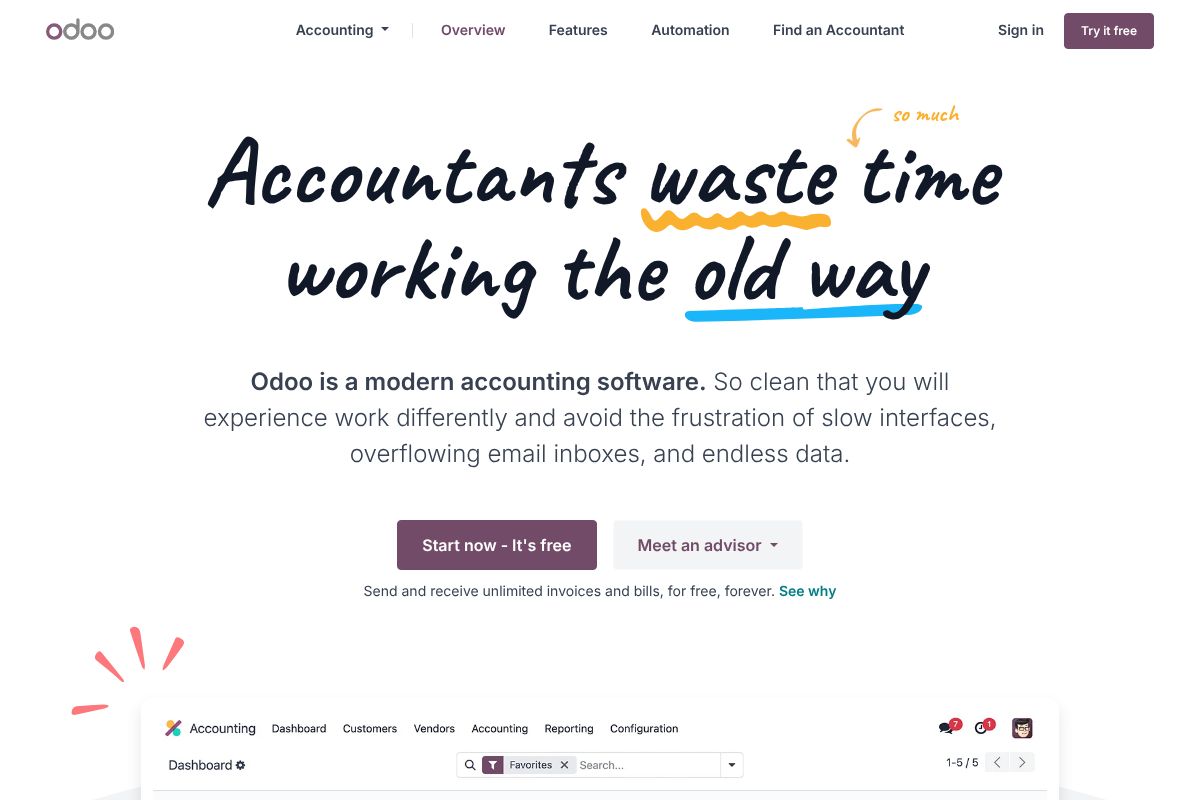
How Odoo Works
Odoo organizes work as interconnected apps. When a sale or purchase is recorded in Odoo Sales or Odoo Purchase, the corresponding draft invoice or bill is generated in Accounting, which reduces duplicate data entry and keeps ledger entries in sync with operational documents.
Automation features such as invoice data capture, bank synchronization, and rule-based reconciliation reduce manual processing steps; users validate or adjust suggested matches rather than reconstruct transactions from scratch. Administrators can configure charts of accounts, tax rules, fiscal positions, and electronic invoicing to match local requirements so accounting entries are created with the correct tax codes and accounts.
Typical implementation workflows include connecting bank accounts for automated statement imports, enabling the invoice OCR and validation flow, mapping taxes and accounts for each country, and activating inter-app flows so inventory valuations and sales revenues post automatically to the ledger.

Core Capabilities of Odoo
Odoo features
The accounting module focuses on speed, automation, and compliance while remaining part of a larger ERP ecosystem. Core capabilities include automated invoice capture, smart bank reconciliation across thousands of banks, multi-currency and multi-company accounting, electronic invoicing support, and real-time financial reports. The platform also exposes modular apps and connectors so businesses add Inventory, Purchase, CRM, or Manufacturing as needed.
Automated invoice capture
Odoo uses OCR and machine learning to extract invoice data from PDFs and photos, producing structured invoices that accountants validate rather than retype. This reduces manual entry for suppliers and speeds accounts payable processing, and works with the mobile expense capture app to ingest receipts on the go.
Smart bank reconciliation
Bank feeds connect to thousands of banks so statements import automatically, and matching rules reconcile about 95% of transactions automatically with invoices, bills, and payment records. Unmatched items are presented with suggested matches and easy-to-use bulk reconciliation tools for faster month-end close.
Invoicing and billing
The invoicing engine supports recurring invoices, customer portals, payment acquirers, and credit notes, and it links directly to sales orders and subscriptions when those apps are in use. Customers can pay online, and payments are reconciled to invoices automatically when configured with payment gateways.
Electronic invoicing and EDI
Odoo supports country-specific electronic invoicing formats and standards such as Peppol, allowing businesses to send and receive compliant EDI documents where required. The feature helps companies meet local statutory invoice submission rules and exchange invoices with public sector buyers.
Multi-company and multi-currency
Built-in multi-company capabilities let organizations manage separate legal entities with shared or distinct accounting rules, while multi-currency handling manages conversions, gains and losses, and reporting in local and consolidated currencies. Fiscal positions and tax rules can be applied per customer or country to compute appropriate taxes automatically.
Real-time reporting and spreadsheets
Financial statements, cash flow, and operational reports update in real time and can be annotated, filtered, and exported. The integrated Spreadsheet app allows finance teams to build custom analyses or dashboards connected to live Odoo data for ad-hoc reporting.
Expense capture and mobile app
Users can snap photos of receipts in the mobile app which are automatically processed and suggested for reconciliation, then routed for approval and reimbursement. This reduces the backlog of manual expense entries and shortens reimbursement cycles.
Modularity and integrations
Odoo's accounting app integrates natively with a wide set of Odoo apps and third-party connectors available on the Odoo Apps marketplace, enabling flows from CRM to manufacturing without custom interfaces. Developers can extend functionality with Odoo Studio or build custom modules and integrations via the platform APIs.
With Odoo you get a tightly integrated finance hub that minimizes manual handoffs across sales, inventory, and purchasing, and scales as you add other business apps.
Odoo Pricing
Odoo Pricing Overview
Odoo offers a variety of pricing plans to cater to different business needs. Below is a detailed breakdown of the available options.
Pricing Plans
-
One App Free
Price: $0
- Access to one app
- Unlimited users
- Odoo Online
-
Standard
Price: $31.10 / user / month
- Access to all apps
- Odoo Online
-
Custom
Price: $49 / user / month
- Customizable features based on business needs
Free Trials and Freemium Options
Odoo provides a free trial for users to explore the features of the software before committing to a paid plan. The One App Free plan allows users to access one app at no cost.
Enterprise and Custom Pricing
For businesses with specific needs, Odoo offers custom pricing options. This allows organizations to tailor their software package according to their requirements.
This pricing was last checked by our team on February 1, 2026
What is Odoo Used For?
Odoo is used for end-to-end business processes where accounting must connect to operations, including invoicing customers, paying vendors, reconciling bank statements, and producing statutory reports. It is commonly chosen by companies that want a single platform to handle sales, inventory, manufacturing, and finance with unified data and workflows.
Typical users include small to midsize businesses looking to replace manual spreadsheets and disconnected systems, midmarket companies that need modular ERP functionality, and larger organizations that want a customizable platform for multi-company accounting. Accountants and finance teams use Odoo to automate month-end tasks, manage taxes across jurisdictions, and provide operational teams with real-time financial insight.
Odoo's Highlights and Shortcomings
Highlights
All-in-One Ecosystem
Odoo Accounting connects natively with CRM, Inventory, Sales, and HR modules. Data flows automatically between departments without integration fees or API limits.
Open-Source Core
The Community edition offers double-entry accounting, invoicing, and reconciliation for free. You own your data and can self-host to avoid subscription lock-in.
Automation Engine
Bank synchronization, recurring invoices, and automated follow-ups work out of the box. OCR digitizes bills and matches them to purchase orders automatically.
Scalable Modular Pricing
Start with Accounting at $31/month, then add only the apps you need. No user seat limits means you pay the same whether you have 5 or 50 employees.
Shortcomings
Enterprise Feature Paywall
Critical accounting features like bank synchronization, recurring invoicing, and automated reconciliation are Enterprise-only. Community edition users discover these gaps only after implementation, forcing unexpected upgrade costs.
Support Black Hole
Once you become a paid client, it is extremely difficult to receive direct and proper customer support. Issues get redirected to website documentation instead of real assistance, and refund requests are routinely denied even when onboarding specialists fail to complete setup.
Implementation Complexity
Dependence on external partners for customizations results in drawn-out projects, budget overruns, and missed deadlines. Advanced workflows require Python developers, making simple configuration changes expensive for businesses without in-house technical teams.
Frequently asked questions about Odoo
What is Odoo used for?
Odoo is used for integrated business management, including accounting, sales, inventory, and operations. It connects financials with operational apps so transactions created in one area appear automatically in the ledger.
Does Odoo offer a free version of its accounting software?
Yes, Odoo provides a free Community edition that can be self-hosted. The Community edition is open-source and available on the Odoo GitHub repository.
Can Odoo handle electronic invoicing and local tax requirements?
Yes, Odoo supports country-specific tax rules and electronic invoicing standards such as Peppol. Localization packages include charts of accounts, tax templates, and reporting tools for many countries; see the electronic invoicing documentation.
Is there an API for integrating Odoo with other systems?
Yes, Odoo exposes developer APIs and remote interfaces for integrations. Developers can consult the Odoo developer documentation and use XML-RPC/JSON-RPC or build modules for custom workflows.
Can Odoo be used by multi-company organizations?
Yes, Odoo supports multi-company setups, multiple currencies, and consolidated reporting. Fiscal positions, inter-company rules, and separate chart of accounts can be configured to match organizational structures.
Final verdict: Odoo
Odoo stands out for offering accounting as part of a complete ERP platform, which is valuable for businesses that need tight integration between finance and operational apps. The open-source Community edition provides a no-license-cost option for technical teams, while the Enterprise offering adds hosted options, official support, and extra features for organizations that prefer a managed subscription.
Compared with a bookkeeping-first product like QuickBooks, Odoo provides broader ERP functionality and integrated workflows, though QuickBooks often has simpler pricing and a shorter time-to-live for basic bookkeeping needs. For organizations that need accounting plus inventory, sales, or manufacturing in a single platform, Odoo is a practical choice; for companies that only need lightweight bookkeeping, a focused accounting product may be more cost-effective.